
Simple to follow. Serious underneath.
Everything it takes to turn a set of instructions into something polished and durable — without turning building one into a project.
Build & refine
Two layouts, flexible card styles, Learn more popups, drag-to-reorder, and live preview.
Brand & share
Custom logo, accent color, cover images, clean URLs, and printable QR codes.
Protect & manage
PIN protection, roles and permissions, team workspaces, and invite-based access.
Measure & scale
Analytics, incident reporting, reusable templates, and tutorial duplication for faster rollout.
Turn the process into a tutorial.
Draft the steps, move them around, and mix text, images and icons until it reads the way you'd explain it out loud.
- Choose the format that fits each step.
- Change the flow as the tutorial takes shape.
- See exactly what people will see on their phone.
 Apartment Essentials
Navigation Mode
Choose user experience flow
Card Style
Headline
Keep it under 50 characters for best mobile readability.
Description
Media

Start the espresso machine
Fill the tank to the line, press the power button and wait for both lights to hold steady.
Which beans do we stock?Asset Distribution
Optimized for physical placement.
One screen, one instruction, no scrolling ahead.
Sequential tutorials give one instruction per screen, a segmented progress bar, a sticky header and a fixed next-step button, finishing on a completion screen you can point somewhere useful.
- Progress and step counter always visible
- Optional call-to-action popup with rich content on any step
- Completion screen in your accent colour
Start the espresso machine
Fill the tank to the line, press the power button and wait for both lights to hold steady.
Which beans do we stock?A stacked list when people pick their own path.
One scrollable page of icon tiles or featured images — for people who already know what they came for.
- See every option at once and jump to what matters.
- Come back anytime and find a different answer quickly.
- Browse freely when there's no single order to follow.
Apartment Essentials
Everything you need during your stay.
Keypad code, garage door and where to leave the car.
See the codesNetwork North-Lofts-2F, quiet hours after 10pm.
Get the passwordBeans in the top cupboard, filter water by the sink.
How to make a cupDetergent under the sink, 40° cycle takes an hour.
Run a washCollection is Tuesday, keys back in the lockbox.
Checkout stepsA link that behaves, a code that travels.
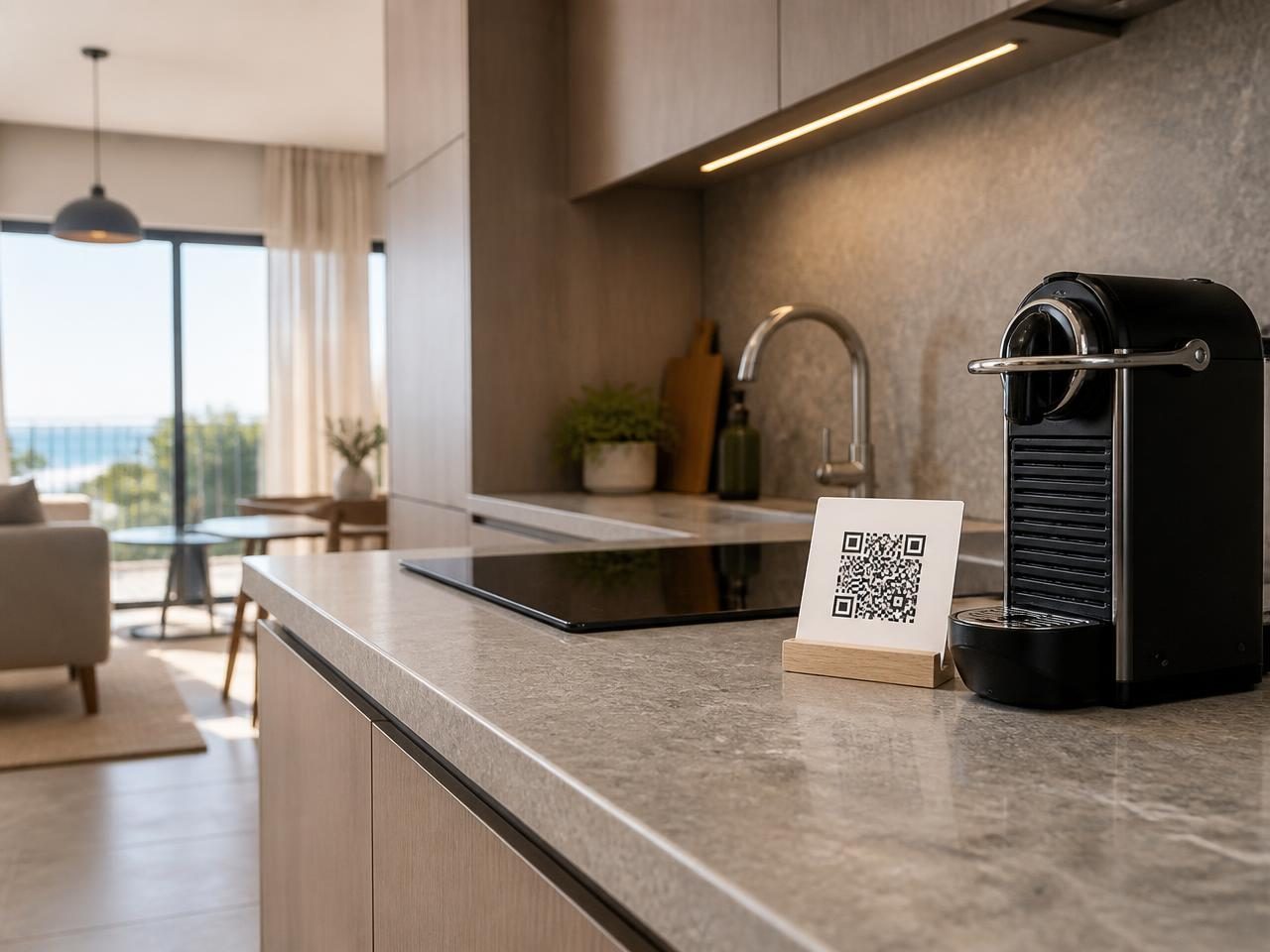
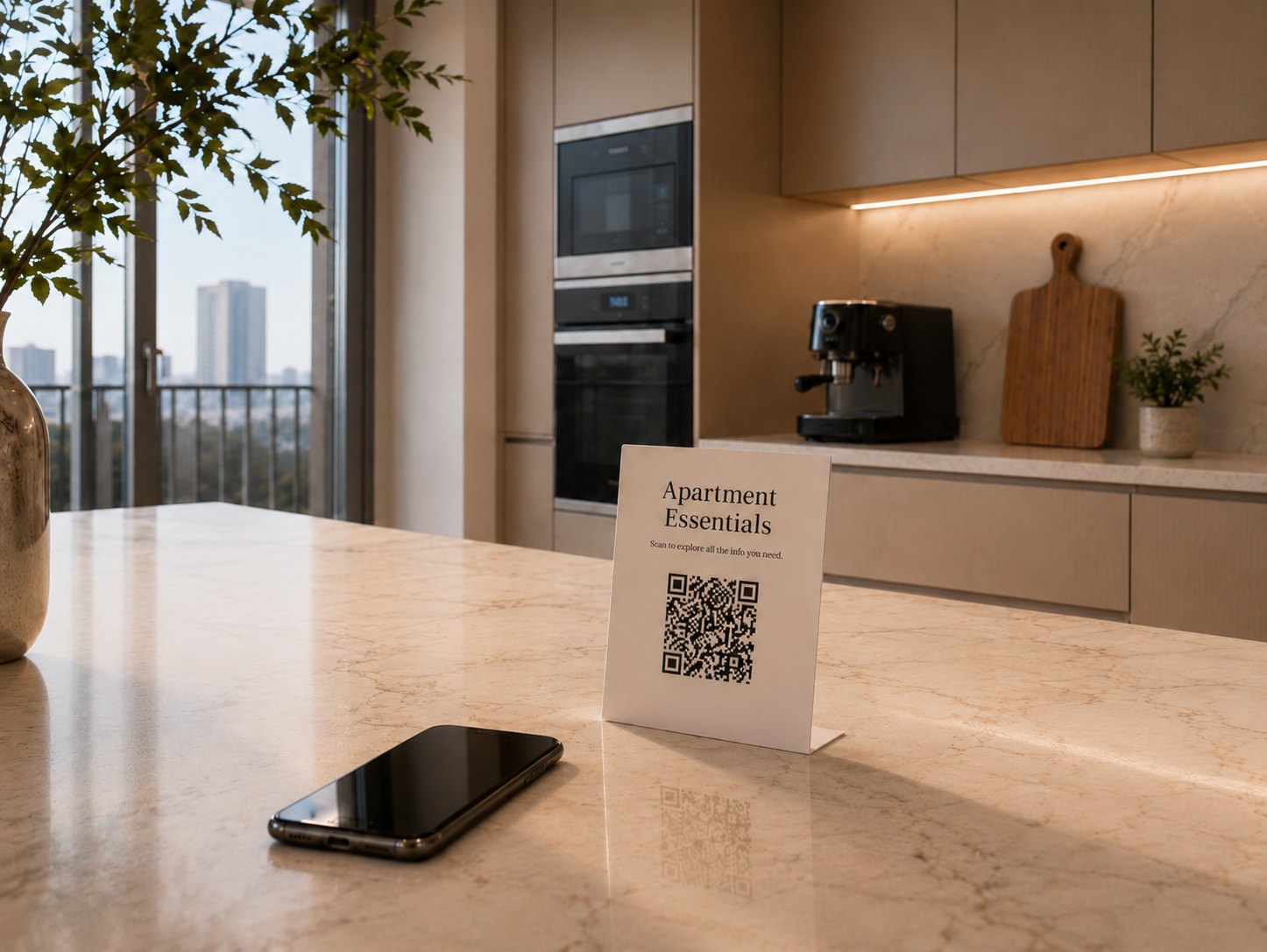
Every tutorial lives at tutorials.app/your-account/your-slug. Download the QR code and put it on the machine, the door, the packaging or the counter.
- Custom slug per tutorial, unique inside your account
- High-contrast QR code, ready for print
- Optional four-digit PIN for tutorials you'd rather keep internal
Everything behind a better tutorial.
Layouts, branding, access, analytics, rollout. The full set, grouped by what you're trying to get done.
Build
Everything that goes into the tutorial itself.
Step-by-step tutorials
Walk someone through a task one card at a time, with progress and a finish screen.
Stacked list tutorials
Put every card on one scrolling page so people jump straight to what they need.
Tutorial themes
Pick a visual theme for a tutorial, then pick a color set for that theme.
Tutorial search
Add a search bar to a stacked list tutorial so people find the right card instantly.
Card styles
Three card layouts: text only, a featured image card, or an icon with a headline.
Icon library and custom SVGs
Pick an icon from the library or upload an SVG — both take your accent color.
Learn more popups
Tuck extra detail behind a button on any card, so the main page stays short.
Drag to reorder
Drag cards into the order you want and save the new flow when you are happy.
Draft and publish
Edit safely — visitors keep seeing the published version until you publish again.
Live preview
A phone-sized preview beside the editor, popups and finish screen included.
Share
Get the tutorial in front of the person holding the product.
Protect
Control who can open a tutorial and who can change one.
Measure
See how the tutorial is doing once it is out in the world.
Scale
Work as a team and reuse what you have already built.
Team workspaces and invites
Share tutorials with your team by invite link instead of sharing one login.
Templates
Turn a finished tutorial into a starting point for everything you build next.
Duplicating tutorials
Copy a tutorial under a new name and edit the copy without touching the original.
More than a tutorial
when you need it to be.
Effortless for the person following it. Fully in your hands behind the scenes.