
Your procedures, in everyone's pocket.
Routines, checklists and hard-won know-how, in a form your team will actually open — so a Tuesday morning runs like a Saturday night.
Most of how you work isn't written down anywhere useful.
It lives in a binder, a group chat, or one person's memory. That holds until they're off, busy, or gone.
- Training quality depends on who happens to be on shift that day
- Binders and shared drives are never open when the question comes up
- When a process changes, nobody knows which copy is current

Shift Essentials
Everything you need on shift at Sip.
Grinders on, pastry case filled, floats counted by 6:45am.
Open the shopDial in the house blend and pull a test shot before service.
Dial in the grinderStaff code, opening float, refunds and end-of-day report.
See the stepsFridge and milk temps logged twice per shift.
Log the tempsBackflush the group heads, wipe the bar, cash drop in the safe.
Close the shopSix reasons it sticks after week one.
Internal guides sit beside your customer-facing ones, with access control on top.
Onboarding without a shadow shift
New hires learn the station, the register and the close from their own phone, instead of waiting for whoever is free to show them.
The same routine every time
Opening, closing, turnover and maintenance run the same way on a Tuesday morning as they do on a Saturday night.
Owned by the team, not one person
Owners, admins and editors share one library, so knowledge doesn't leave when someone does.
Internal stays internal
Add a four-digit PIN to anything that shouldn't be public, and keep it in the same library as your customer-facing guides.
One edit, everywhere
Change a procedure once and every posted QR code, printed card and shared link is already up to date.
See what's being used
Analytics show which guides get opened and where people stop, and staff can flag a step that's wrong from the tutorial itself.
From orientation to the closing checklist.
Day one
Orientation, safety, dress code and the timeclock in one link you send before the first shift.
On shift
Checklists posted at the station, so nobody guesses the order or skips the log.
On the equipment
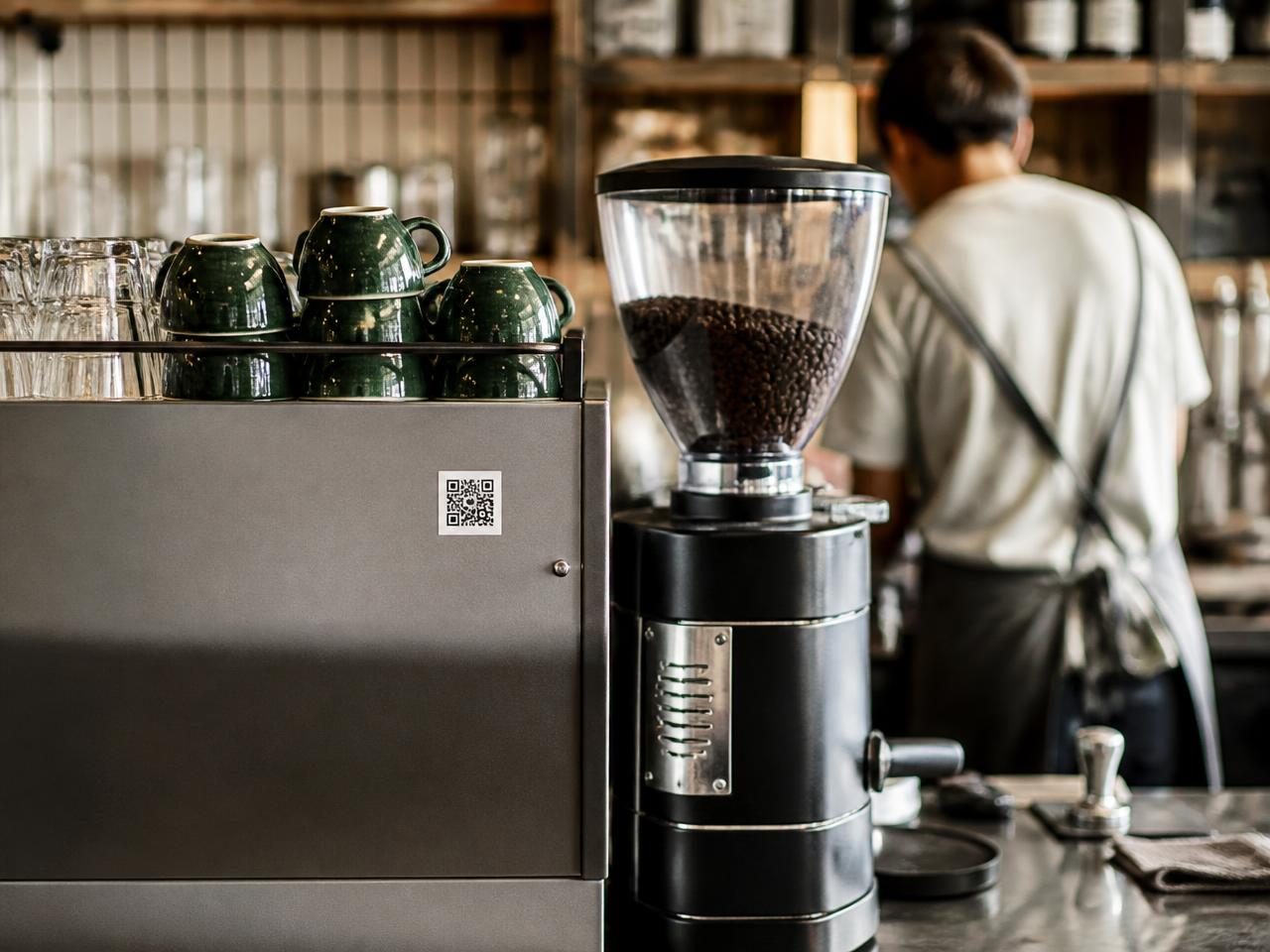
Cleaning, startup and shutdown guides on the machine that needs them, not in a shared drive.
With contractors
Cleaners, vendors and temporary crews get your standard from a scan, without a walkthrough.
Write it down once, in a place they'll actually open.
Build the first one and post the code where the work actually happens.