
8/30/2026 · Tutorials.app
Paper manuals vs. digital manuals: pros, cons, and when to use each.
An honest comparison of printed and digital product instructions - cost, updates, accessibility, offline access, translation, compliance - and why a hybrid usually wins.
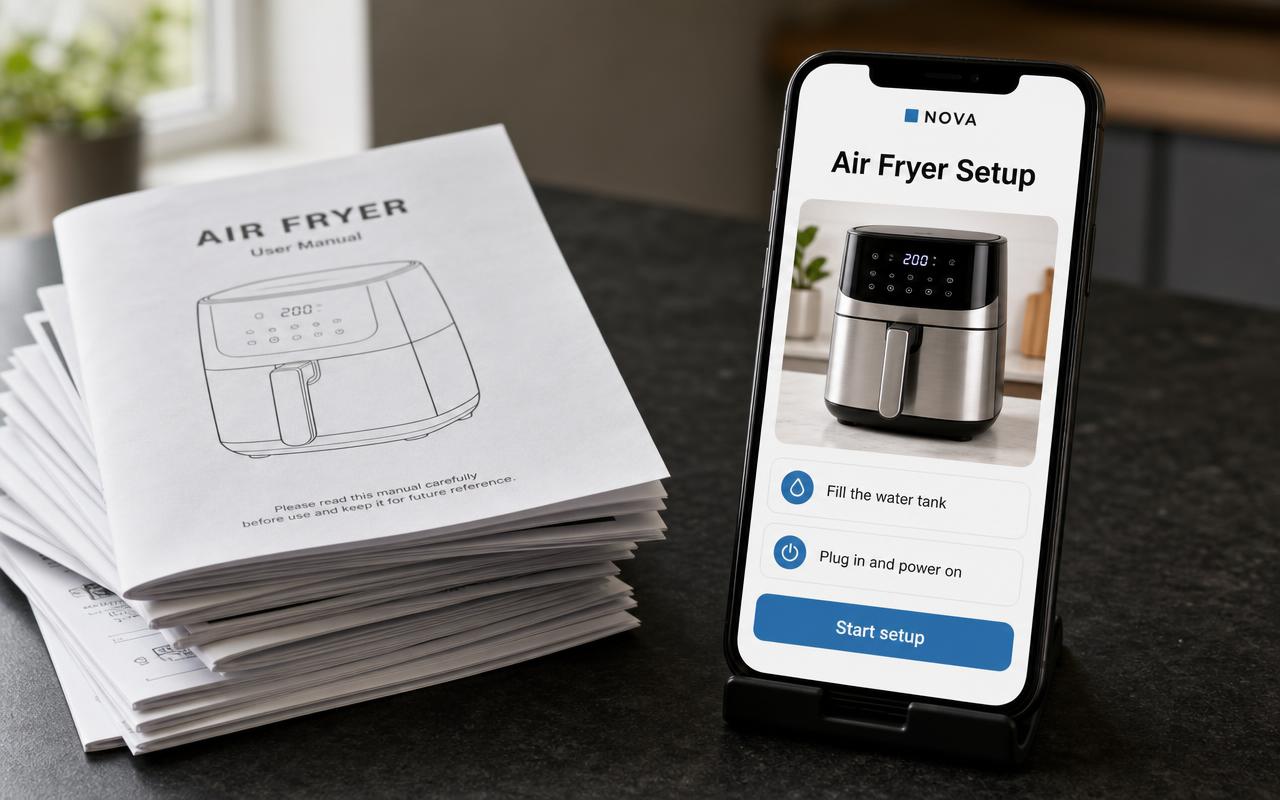
In short: printed manuals win on availability — no device, no signal, always in the box. Digital manuals win on everything that changes: corrections, depth, video, search, translation and measurement. Most brands are best served by a hybrid: safety and a short quick-start on paper, the full instructions behind a QR code.
This comparison is usually written by someone selling one of the two options. Here is the honest version, including where paper is genuinely better.
At a glance.
Printing cost
Paper: per unit, forever, and higher with every language. Digital: one-time authoring, then near-zero.
Updating
Paper: impossible after the print run. Digital: same day.
Availability
Paper: in the box, then usually lost. Digital: on the product, permanently, if the code is on the product.
Offline access
Paper: always. Digital: needs a connection at the moment of use.
Mobile experience
Paper: not applicable. Digital: excellent if designed for phones, poor if it is a PDF.
Video
Paper: no. Digital: yes, and it is often the difference for fiddly steps.
Languages
Paper: each language adds pages and cost. Digital: add a language without touching the box.
Search
Paper: index only. Digital: search, and structure organized around questions.
Durability
Paper: survives a workshop; also survives being thrown out. Digital: survives everything except a dead link.
Compliance
Paper: often expected or required. Digital: supplements it; check your market.
Analytics
Paper: none. Digital: scans, views, completion and drop-off.
Environmental impact
Paper: print, ink, weight, waste. Digital: negligible per view.
Advantages of printed manuals.
- No device required — It works with a flat phone, in a basement, in a field, in a factory with no signal.
- It is physically present — It arrives with the product. Nobody has to think to go looking for it.
- Trusted for safety — A printed warning in the box is the established way to deliver critical notices.
- Expected in some markets — For certain categories and jurisdictions, supplied documentation is not optional.
- Easy to annotate — Technicians write on manuals. That is a real workflow.
Disadvantages of printed manuals.
- Wrong forever — A confusing step discovered in week two ships for the next three years.
- Discarded with the box — The manual and the product part company almost immediately.
- Cost scales with units and languages — Every added market is more pages, weight and freight.
- No room for depth — Troubleshooting is the first thing cut to save pages.
- Silent — You never learn which step confused people.
Advantages of digital manuals.
- Correctable — Rewrite the step tonight; the printed QR code keeps working.
- Available at the product — A code on the machine outlives the box, the drawer and the move.
- Room for troubleshooting — Depth costs nothing, so the awkward cases can finally be documented.
- Photos and video — Show the knack instead of describing it.
- Measurable — Scans and drop-off tell you which instruction to fix next.
Where digital falls down: the PDF trap.
Digital does not mean PDF. A PDF is a printed manual in a different envelope: laid out for A4, painful to read on a phone, and permanent once it has been downloaded, emailed or printed by the customer. If your digital strategy is "the manual is on our website as a PDF", you have the costs of digital with almost none of the benefits.
The alternative is a mobile-first page built for the moment of use — what we mean by a digital product manual.
Other honest weaknesses of digital.
- Connectivity — Basements, garages, remote sites and travel all break the assumption of a connection.
- Link rot — If the destination moves or the vendor disappears, the printed code becomes a dead end. Own the address.
- Accessibility — Not everyone is comfortable scanning a code. Print the short URL too, and keep a phone number visible.
- Version control — Silent edits are a feature for typos and a problem for regulated content. Keep revisions where they matter.
When a hybrid makes sense (usually).
Print the things that must be present without a device: critical safety, the shortest possible quick-start, the serial plate, and the code. Put everything else — full setup, cleaning schedules, troubleshooting, parts, video — behind the scan. You keep compliance and offline availability while gaining the ability to improve the instructions for years.
Before you remove anything from the box, check the documentation requirements for your product category in every market you sell into. They differ, and they change.
If you go hybrid, the split between the two pieces is essentially the quick start guide vs. user manual question, and the practical build is covered in how to create a QR code instruction manual.
Are digital manuals legally acceptable?
It depends on the product category and market. Some sectors allow digital-first documentation, others expect printed material in the box. Verify per market rather than assuming.
Will customers actually scan a code?
They do when the label says what they get - "Scan for setup" - and when the page opens in the browser with no app or login.
Is digital cheaper?
Usually, once you count print, translation, freight weight and the cost of a reprint after a correction.
What about customers with no smartphone?
Keep the short printed piece, print the URL, and keep a support number visible. Hybrid handles this.
Can we phase it in?
Yes. Add a QR code to the existing printed manual first, learn what people scan for, then shrink the print at the next run.
See what instructions look like when they are designed for the product
Build the digital half of a hybrid manual and print a QR code that stays valid for the life of the product.
Start free