
8/10/2026 · Tutorials.app
Step-by-step or stacked list: choosing the right tutorial layout.
One layout walks people through a task in order. The other lets them jump straight to the answer. Picking the wrong one is why good instructions still get abandoned.
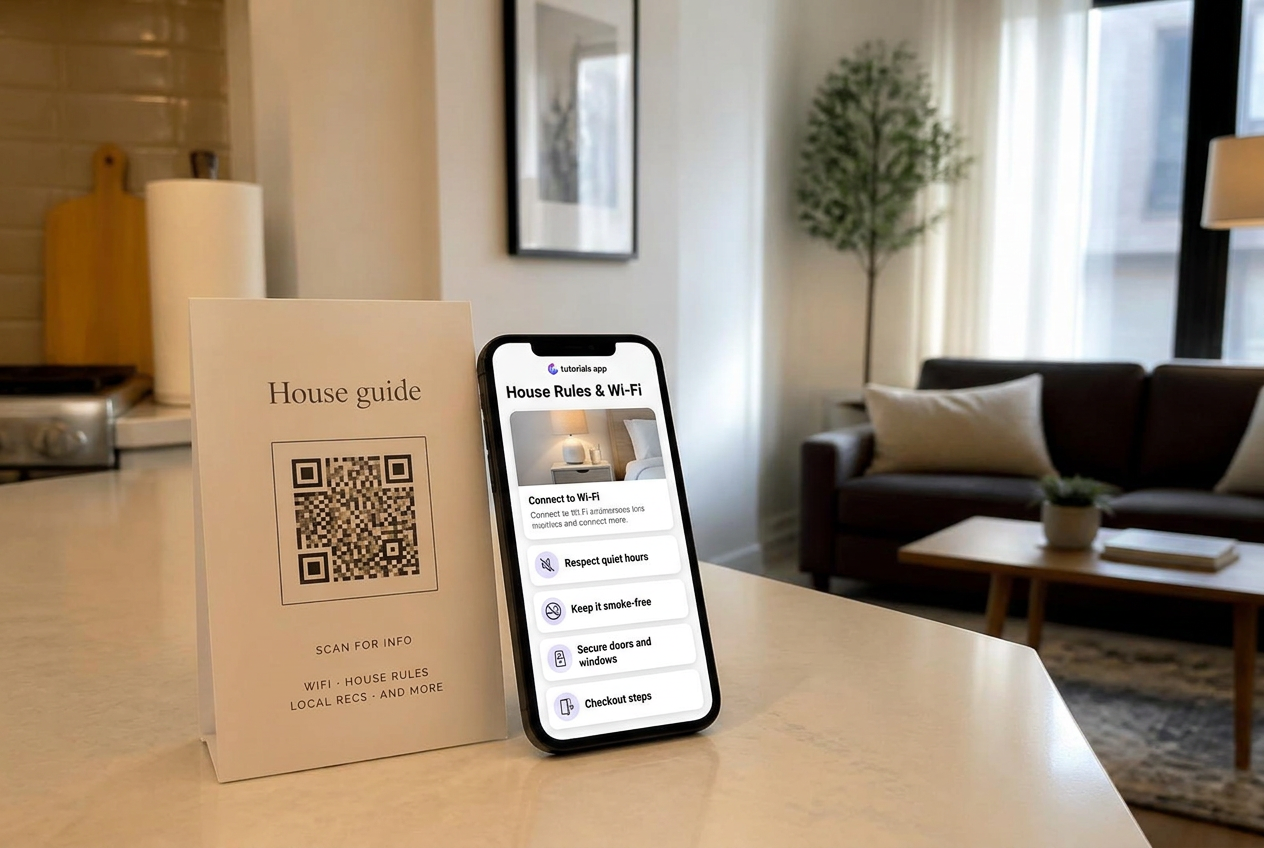
Every guided tutorial answers one of two questions: "How do I do this?" or "Where is the bit I need?" Sequential layouts answer the first. Stacked lists answer the second. The layout is not a style preference — it mirrors how your customer arrives.
Use step-by-step for first-time tasks.
Assembly, installation, onboarding, calibration: anything with a required order and a finish line. One card fills the screen, a progress bar shows how much is left, and a completion screen confirms the person is done. Order removes the guesswork of "did I skip something?"
Use a stacked list for reference and repeat visits.
House manuals, machine cheat sheets, cafe equipment, venue AV: people already know what they want and need to find it in seconds. Showing every card at once beats making them tap Next eleven times to reach the Wi-Fi password.
Pick step-by-step when
Order matters, the task is done once, and finishing is the goal.
Pick a stacked list when
Visitors return often, scan for a specific card, and never need step 1.
Mixed audience
Publish two tutorials: setup as steps, everyday use as a list. Both can share one QR code location.
Still unsure
Watch one real visitor. If they scroll looking for something, they wanted a list.
Keep detail out of the main flow.
Whichever layout you choose, the card should carry the short answer and a tap should open the rest — specs, warnings, a link to support. That keeps the surface simple for the 90% and complete for the rest.
Can I change layout after publishing?
Yes. Switching layouts keeps your cards and your address, so printed QR codes are unaffected.
Which layout is better for SEO?
Neither by itself. Clear headlines, real photos and answers written the way people ask them matter far more than layout.
Try both layouts on your first tutorial
Switch between step-by-step and stacked list with one click.
Get started