
8/17/2026 · Tutorials.app
QR codes on products: how to link physical things to living instructions.
A QR code on the box turns a static product into one you can keep explaining. Here is where to place it, what it should open, and how to keep it working after edits.
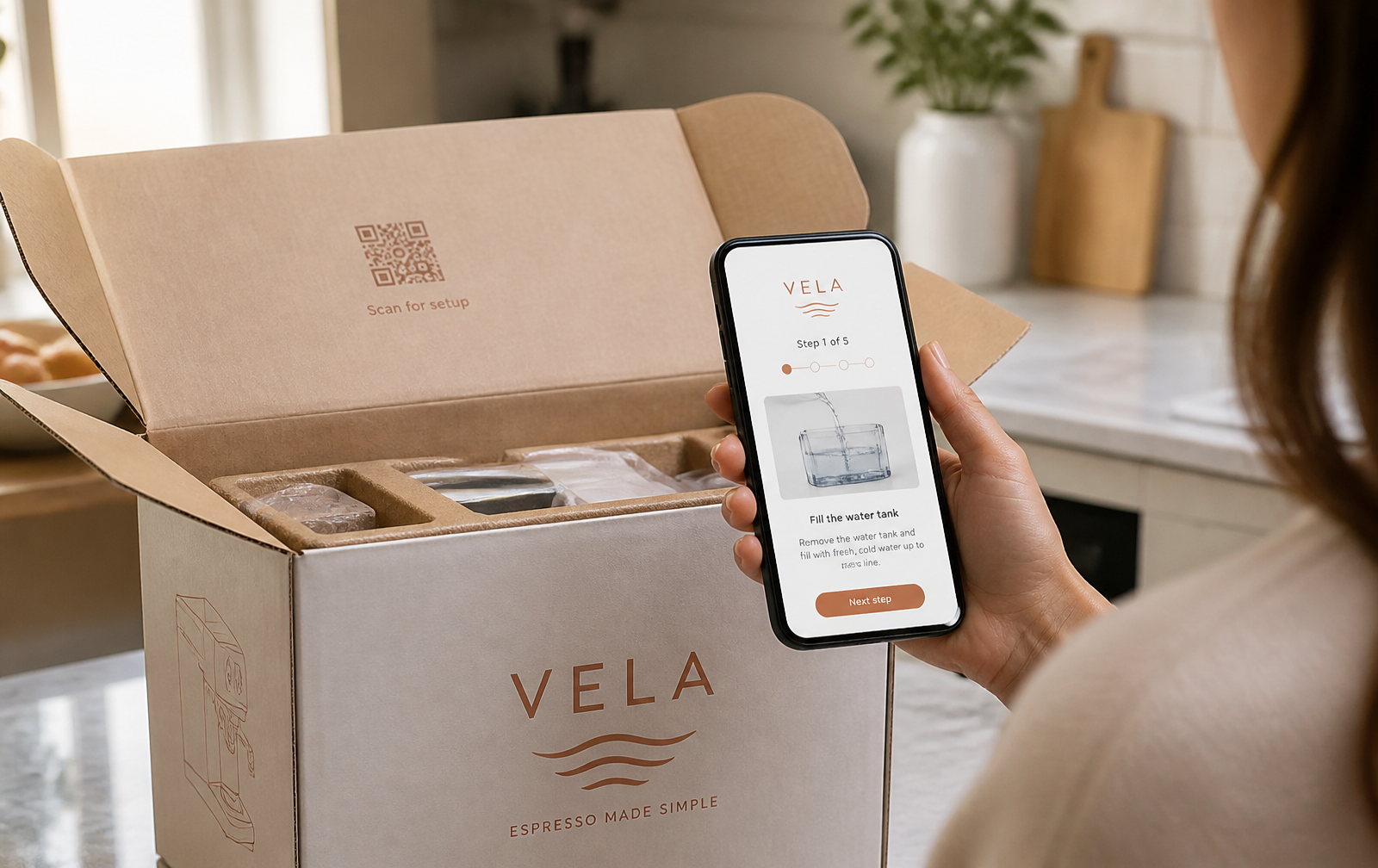
A QR code is the cheapest support channel you will ever ship. It costs a few square centimeters of print and replaces the sentence "see page 14 of the manual" with instructions your customer already has in their hand.
Point the code at a page you control.
Never encode a link that you cannot change later. Send the code to a stable address on your own domain — for example your account and tutorial slug — and change the content behind that address whenever the product changes. The printed label stays valid for the life of the product.
Where to put the code.
- On the thing itself — Appliances, machines and fixtures: a small plate near the control panel.
- Inside the lid — Packaged goods: the first surface a customer sees when unboxing.
- At the point of confusion — Rentals and short-stay: next to the coffee machine, thermostat or gate.
- On the quick-start card — Replace half the printed sheet with one line and a code.
Print rules that avoid failed scans.
- Minimum size — Around 2 cm square for a phone at arm's length; larger for machinery read from a distance.
- Quiet zone — Leave clear margin around the code — crowding it is the most common scan failure.
- Contrast — Dark code on a light background. Avoid glossy laminate under bright lights.
- Use vector for print — An SVG stays crisp at any size; a small PNG scaled up will not.
Add a short human-readable URL under the code. Some people will type it instead of scanning, and a few scanners fail.
Measure what happens after the scan.
Scans, completions and the step where people stop tell you which part of your product is confusing. That is product feedback you were never going to get from a PDF.
Do printed QR codes break when I edit the tutorial?
No. Republishing changes the content, not the address, so printed codes keep working.
Can I restrict who sees the tutorial?
Yes — a PIN can be required before the tutorial opens, which suits internal equipment and staff procedures.
Get a print-ready QR code for your tutorial
Download a PNG for screens or an SVG for print.
Get started